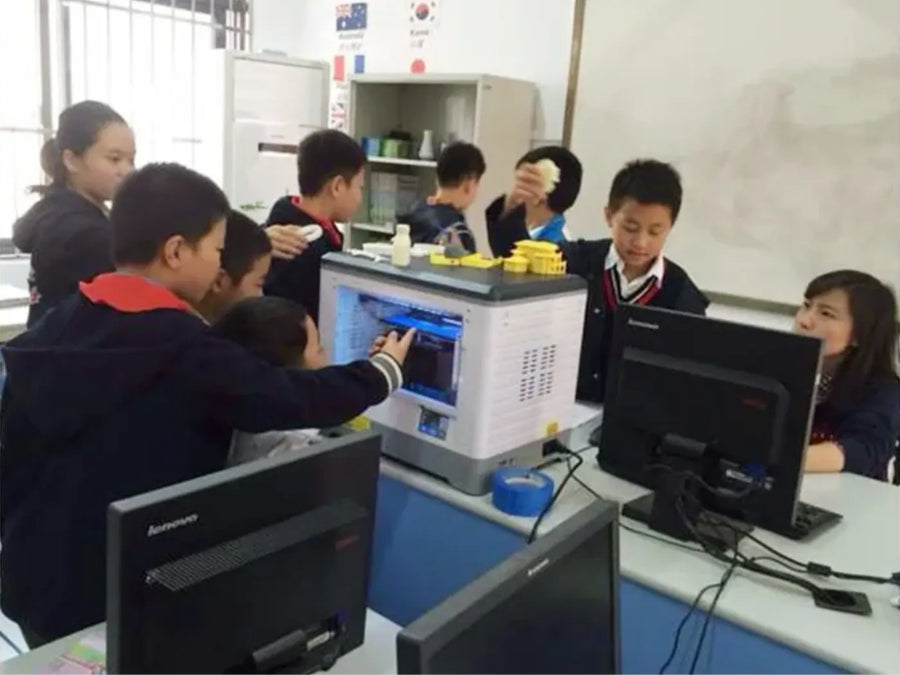
In China
Nanjing Langya Road Primary School
Tianzheng Branch
 CJ270
CJ270

The Desktop 3D Printer for True Full-Color Creation

The Flagship Enclosed 4-Toolhead 3D Printer

The Best-Selling 4-Toolhead 3D Printer

The Best-Selling Entry-Level Multi-color 3D Printer

The Best Value Entry-Level 3D Printer

The Perfect 3D Printer for Homes and Gifts
Full-Color 3D PrinterNew
Creator 5 SeriesNew
Adventurer Series
Changing language does not affect your region
Cart
Your cart is empty
Whether for elementary through university students, Flashforge 3D
printers offer flexible solutions that support success in STEAM education.
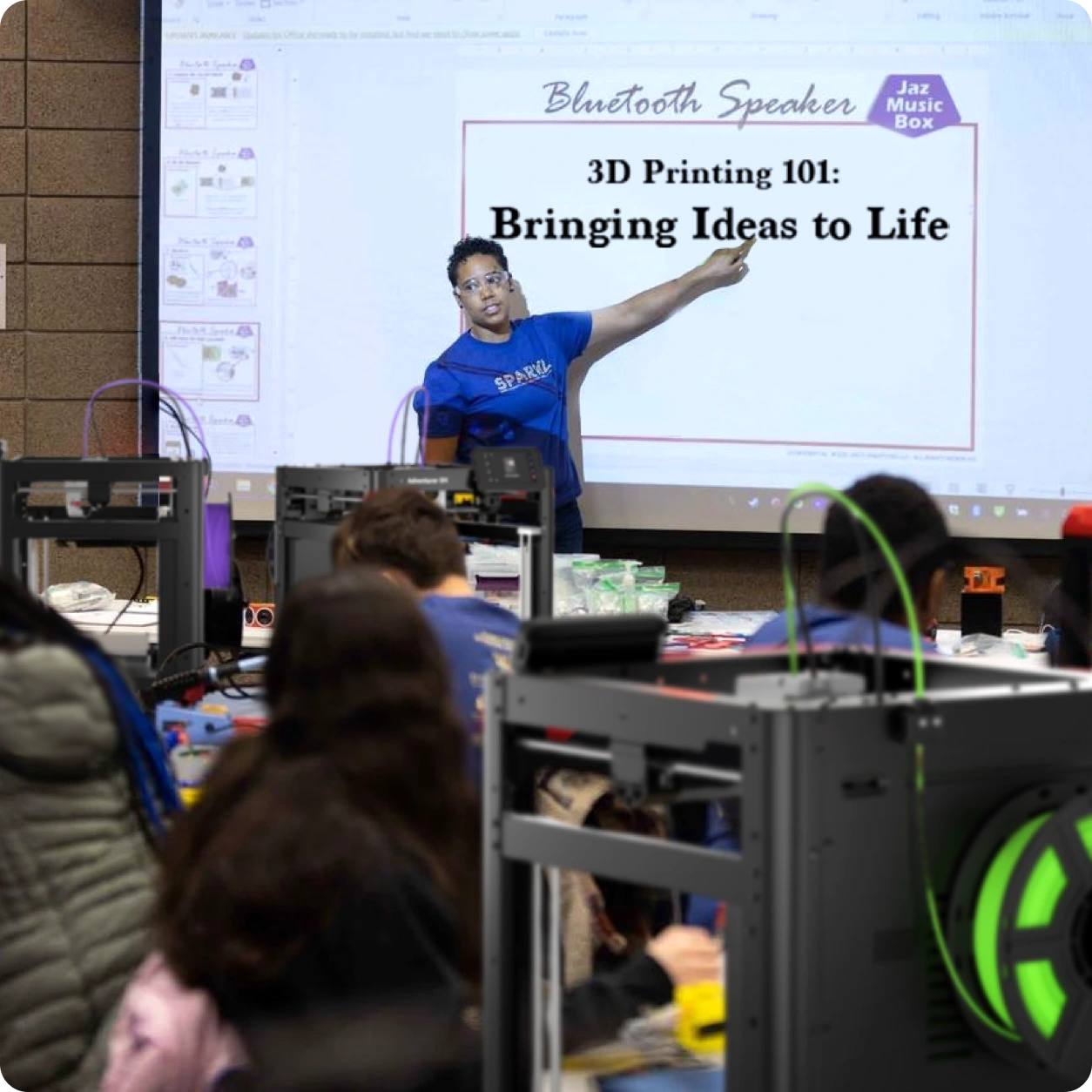
Bring 3D printing into your classroom with additional support for educators.
Get direct assistance from our education support team for questions about Flashforge 3D printers and classroom use.
Teachers can apply for a free filament trial using a valid school email address.Whether you're introducing your first classroom printer or expanding an existing 3D printing program, our team is here to help.
Contact Education Supportcustomer@flashforge.com
Nanjing Langya Road Primary School
Tianzheng Branch
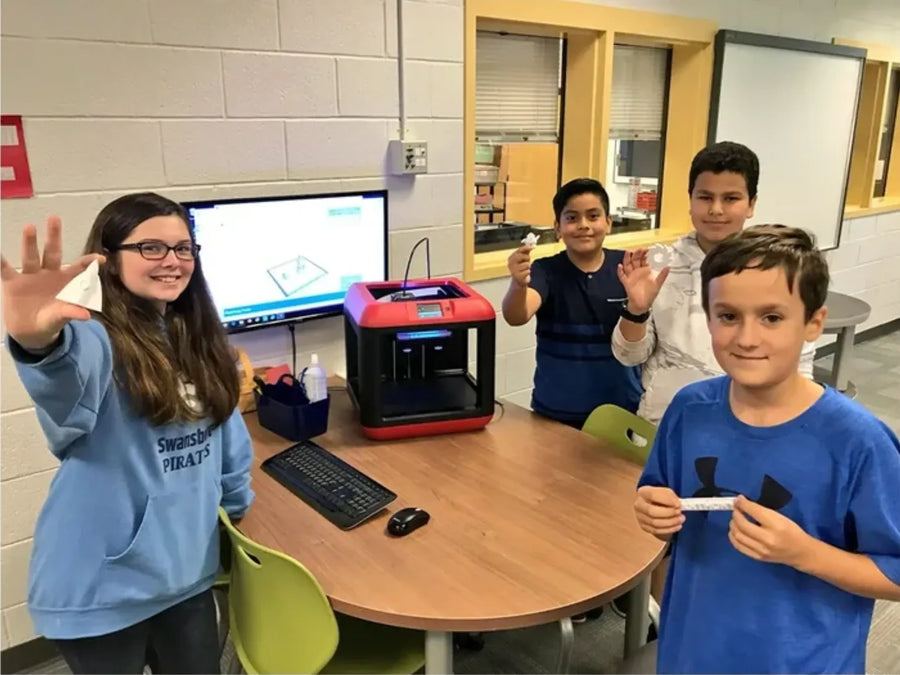
Stafford County Drew Middle School
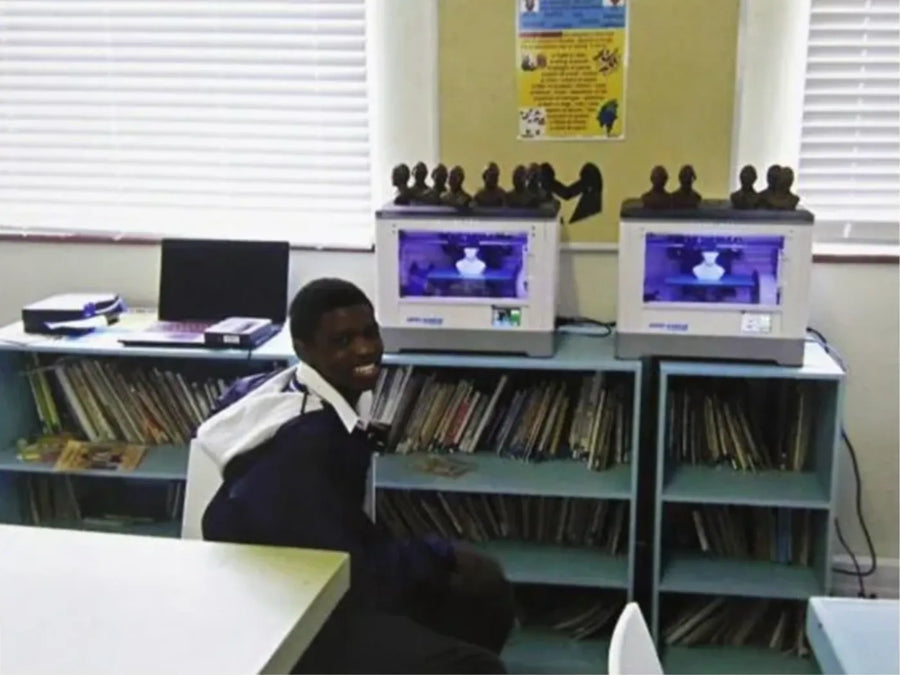
South Africa Cape Town Primary School
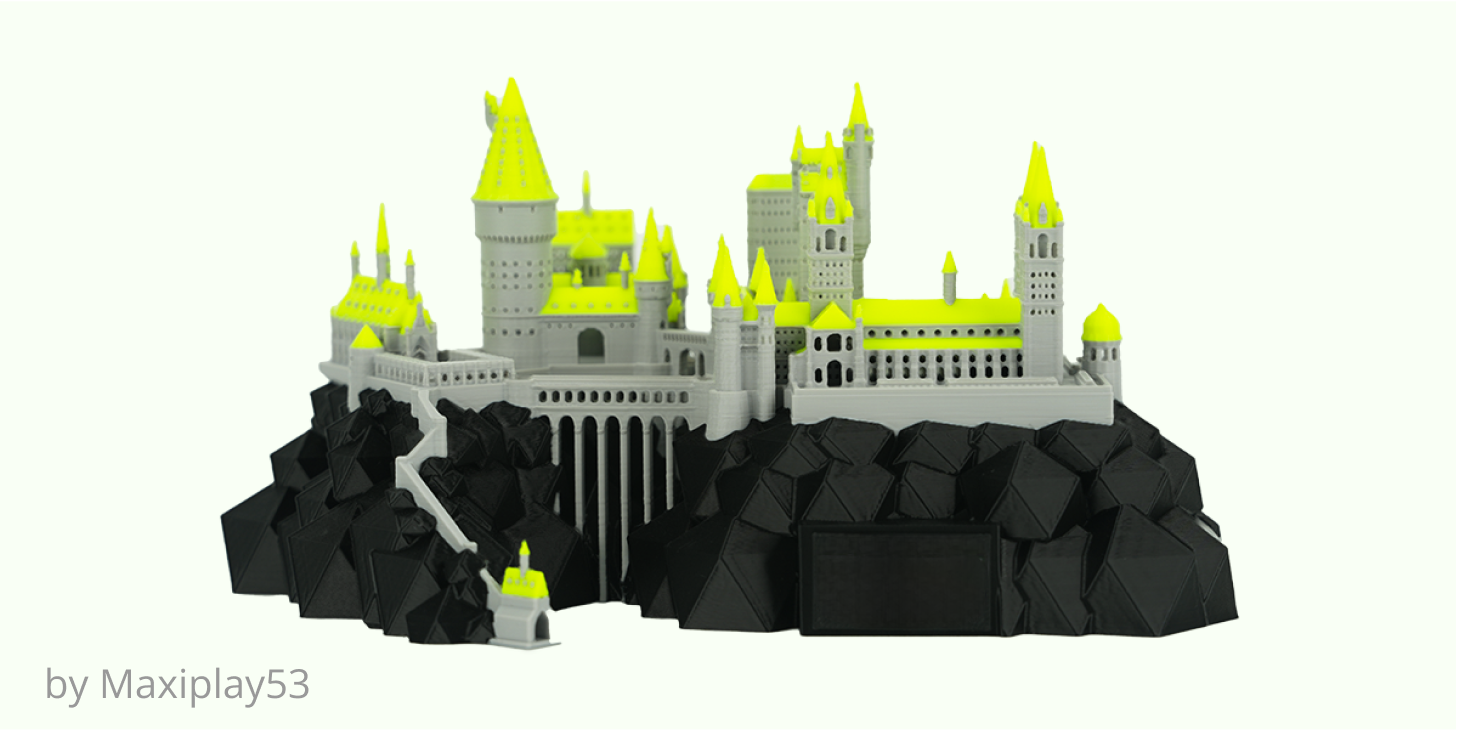
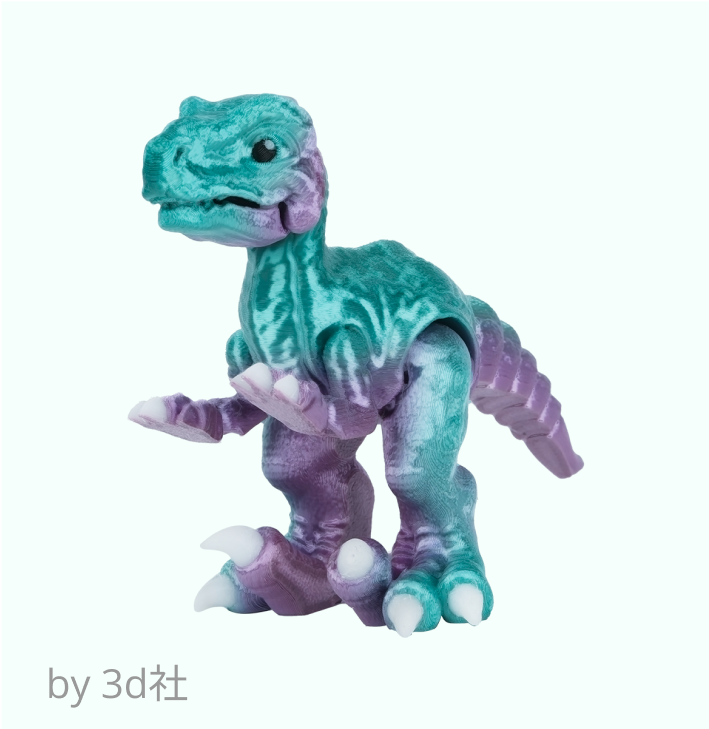
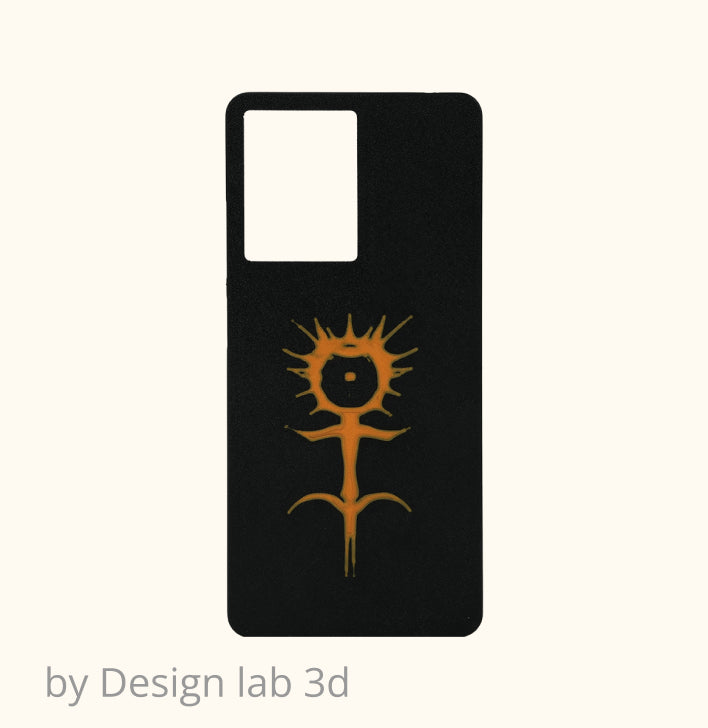
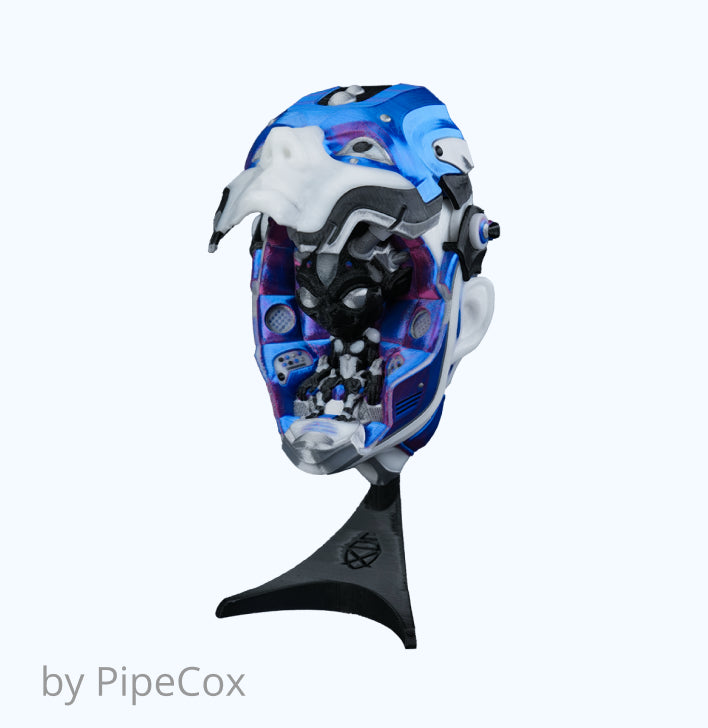
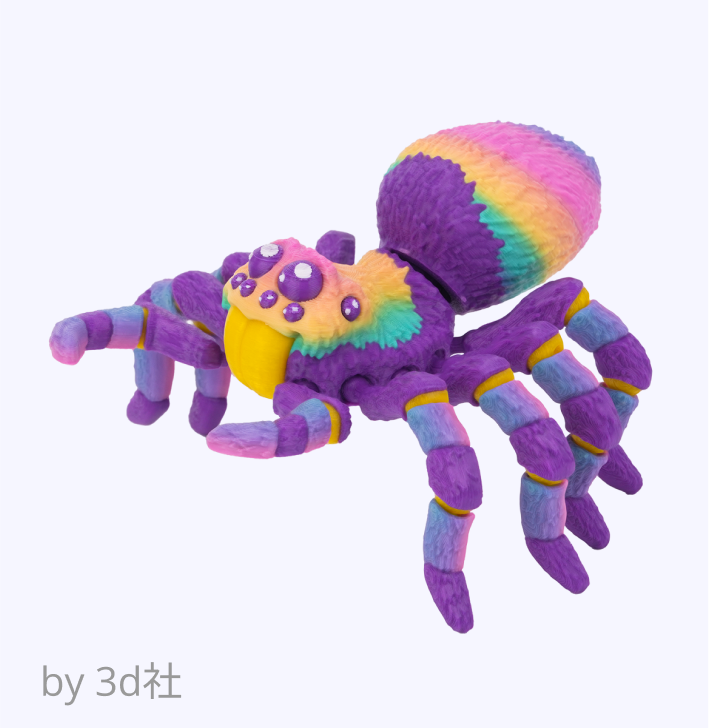
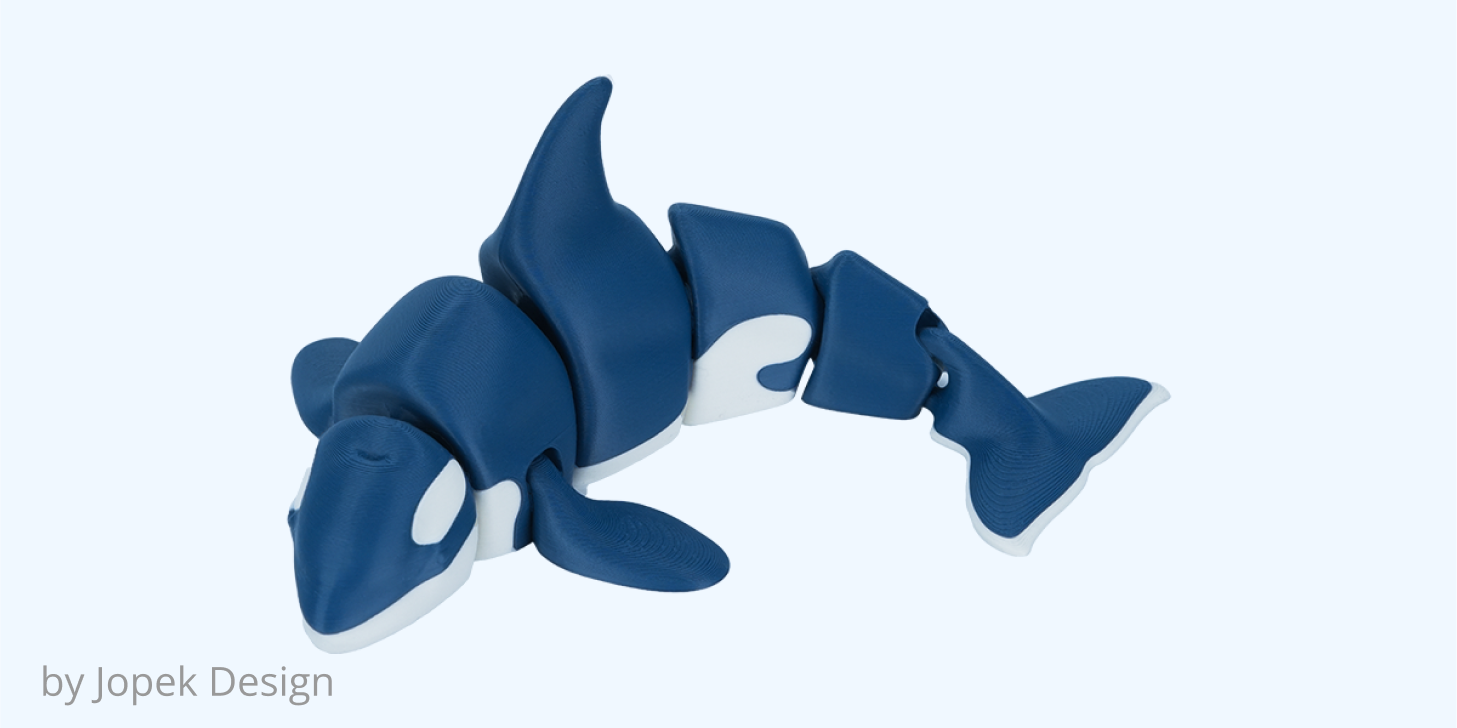
Get started with Flashforge Printers today and bring your creative projects to life. Order now for fast, reliable printing and exceptional results!


A good 3D printer for schools should be reliable, easy to maintain, and simple for teachers to operate. Prioritize automatic leveling, enclosure design, filtration, noise control, and accessible replacement parts. Schools can compare available 3D printers for education based on their classroom needs.
A 3D printer for kids should always be used with teacher or adult supervision. Enclosed construction, ventilation, filtration, and limited access to hot or moving parts are important considerations. The Adventurer 5M Pro combines an enclosed structure with HEPA and activated-carbon filtration for shared indoor environments.
FDM is generally easier to integrate into everyday 3D printing in education because it uses solid filament and requires less post-processing. Resin printing involves liquid resin, washing, curing, and additional handling procedures, which require more controlled classroom workflows.
The number depends on class size, print time, and how often students print. One 3D printer for classroom demonstrations may be enough, while larger classes can benefit from several machines. Teachers managing multiple compatible printers can use Flash Studio Desktop to support a more efficient multi-printer workflow.
Yes. Schools planning classroom, STEM lab, or makerspace deployments can contact Flashforge for purchasing support and discuss printer quantities and model requirements. Visit Flashforge Contact Us or email customer@flashforge.com for sales inquiries.